Kindle Scribe Colorsoft Review (2026)
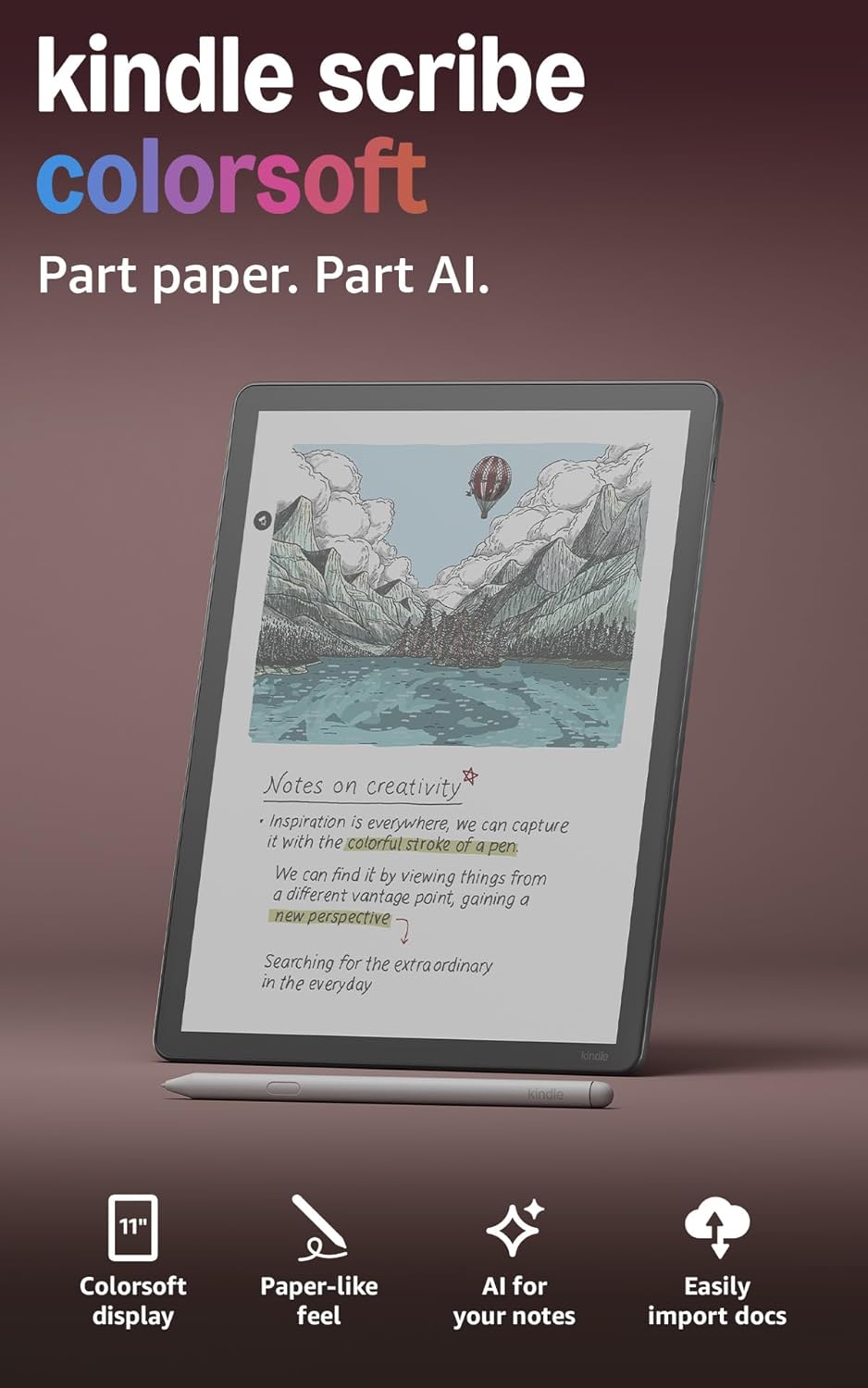
The Scribe Colorsoft brings the standard Scribe's built-in notebook and included pen to a color display, using a custom screen built specifically to avoid flashing while writing. At $629.99 it's the most expensive Kindle by a wide margin — and buyer reports suggest it's best suited to fiction and general reading rather than technical documents.
- ✔ Want color notes and highlights alongside handwriting
- ✔ Mainly read fiction and general nonfiction, not technical PDFs
- ✔ Already know you want a Scribe and specifically want color
- ✖ Read technical, programming, or math ebooks — many are reported incompatible
- ✖ Want the cheaper, higher-rated standard Scribe
- ✖ Are budget-conscious — this is the priciest Kindle by far
📊 Kindle Scribe Colorsoft — Full Specs
| Display | 11" Colorsoft color e-ink (custom oxide backplane), glare-free, front light |
| Resolution | 300 ppi black-and-white / 150 ppi color |
| Storage | 32GB (~21GB usable) or 64GB (~50GB usable) |
| Battery | Up to 8 weeks reading / up to 2 weeks writing |
| Connectivity | WiFi only (2.4/5.0 GHz, WPA3) |
| Water resistance | None |
| Weight & size | 400g; 245 × 189 × 5.4 mm — Pen: 155 × 8.8 mm, 17g |
| Pen | Premium Pen included, no charging required |
| Warranty | 1-year limited (extended plans sold separately) |
| Price | $629.99 (32GB) — 64GB available for $679.99 |
🔑 What's Different From the Standard Scribe
A Custom Screen Built for Writing
Amazon built a custom oxide-backplane display specifically so the screen doesn't flash while you write — a common annoyance on other color e-ink devices. In practice this means the writing experience should feel close to the monochrome Scribe, just with color notes and highlights layered in.
Shorter Battery Life Than the Standard Scribe
Writing battery life drops to 2 weeks (versus 3 on the monochrome Scribe) — the color display draws more power under active use.
⚠️ Common Complaints From Real Buyers
Pulled from verified 1-2 star reviews, not cherry-picked five-star praise:
- One reviewer working in STEM fields discovered after buying that nearly none of their technical, programming, or math ebooks could be downloaded to the device.
- Multiple reviewers describe the interface as confusing, with no quick-start guide included and reports of the device getting stuck on a blank screen after downloading content.
- The pen is described as "barely working" for annotating technical PDFs and EPUBs, with software described as clumsy for jumping between reference pages.
- At least one buyer reports receiving a unit with a writing defect that Amazon was reluctant to replace without a paid self-return shipment.
🏆 Final Verdict — Is the Scribe Colorsoft Worth $629.99?
Only for a narrow use case: color note-taking on fiction and general reading.
If you specifically want color highlights and notes on top of the Scribe's writing experience, this is the only Kindle that offers it. But the reported incompatibility with technical ebooks and PDFs is a real limitation — if that's your primary use case, look elsewhere. For most buyers, the standard monochrome Scribe ($499.99, 4.5★) is the better value.
Frequently Asked Questions
Kindle Scribe Colorsoft vs standard Scribe — which should I buy?
The standard Scribe is $130 cheaper, has a higher 4.5 rating, and better-documented compatibility with technical PDFs. Choose the Colorsoft only if color notes specifically matter to your workflow.
Should I get 32GB or 64GB?
32GB (~21GB usable) covers most fiction and general reading plus a large notebook collection. Choose 64GB only if you plan to store extensive PDF or image-heavy libraries.
Does the Scribe Colorsoft work well for university textbooks?
Buyer reports suggest technical and STEM textbooks in particular may not download or display properly. If your reading is technical, verify compatibility with your specific titles before buying, or consider a different device.
📦 Need a case? See real, tested case options for this size →
🔥 Price drop right now? Check today's live Kindle & Fire deals →
🔀 Compare Other Kindle Models
👉 See every model side by side: Every Kindle, Compared →